Print directly from your device while inside the library or send your print job from home using a laptop or computer. You may pay with a credit/debit card, Apple Pay, Google Wallet or cash.
Printing Costs:
- 25 cents for Black & White
- 50 cents for Color
Print jobs are held for 24 hours. Electronic payments will be cancelled (refunded) in 72 hours if the print job is not printed within 24 hours.
Printing from your mobile device in the Library
There is one print release stations in the Library located downstairs in the Reference area. Scan the printer's QR code with your phone's camera to get started. You will need the 4-digit print release code you are provided with in order to release your print job at the kiosk.
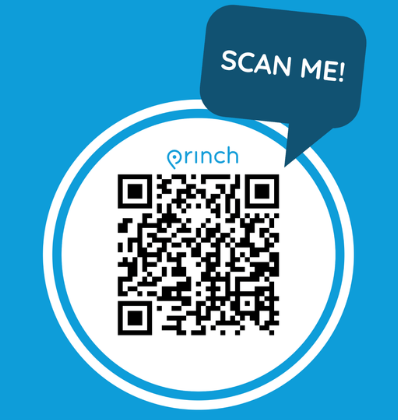
Printing Remotely from Home Using a Laptop or Computer
Go to the printer webpage by clicking the image below to upload your document. You may pay online before your library visit or pay with cash at the Library. After submitting the print job, you will be provided with a 4-digit print release code. Be sure to capture that 4-digit code (write it down, email it to yourself, or snap a picture with your phone). Visit the print kiosk in the library and enter the 4-digit code to release your print job.
To Print an Email or an Email Attachment
Forward the email to the printer's email address. This will print both the body of the email and the attachment(s).
How-to guides
Patron Printing in the Library
Patron Printing on their Device
How-to videos
Printing from a mobile phone or tablet
Printing with the Princh Mobile App on iOS
Printing with the Princh Mobile App on Android
 | Princh App is available for both iOS & Android. You do not need to download the app to print. |